ERP setup and integration
Odoo or ERPNext set up for the way you work, and the ERP you already run connected to your site through a sturdy layer.

ERP setup means configuring the software that keeps sales, warehouse, purchasing and accounting in one record so that it fits the way you work. ERP integration means connecting that software to your online store, your marketplaces and your e-invoice provider. We set up Odoo and ERPNext ourselves. Logo, Mikro and Netsis are sold and installed by the vendor's partners, and we connect them to your site. That is worth knowing when you look for an ERP company. Connecting the site is usually a separate job from the licence.
Who it is for
A business whose ERP and store live apart loses time in the same places every day. Someone retypes orders from the store into the ERP, someone else syncs the stock by hand. This page is for you if:
- You copy orders by hand from the store into the ERP and the numbers do not add up at the end of the day.
- The stock shown in the store is not the real stock, and orders come in for items that are gone.
- Quotes, production and stock are kept in separate spreadsheets and nobody knows which one is current.
- You have decided to move to Odoo or ERPNext but do not know how the Turkish documents and accounting will fit in.
- You run Logo, Mikro or Netsis and want your site to talk to it.
An ERP costs money and effort, and it only pays off when it is actually used. If you will not run quotes, pro forma invoices, production and stock in it, do not set one up. We wrote down what is enough instead in the note on whether you need an ERP.
Should the site talk to the ERP directly?
No. We put a thin layer in between. The site writes the order to that layer first, and the layer then posts it to the ERP. While the ERP is down for maintenance or slow, the site keeps selling and the order waits in the queue. If the same order arrives twice, the layer recognises it and writes it to the ERP once. Why notifications arrive twice is in the note on orders reaching the ERP twice. The reasoning for the layer, and when a direct connection is enough, are in the note on ERP architecture.
How an order flows
In the setups we build, these steps happen in order the moment a customer pays by card, with nobody touching them:
- The order is written to the layer. Once the payment is confirmed, the order joins the queue together with the site's own record.
- A sales order opens in the ERP. The customer record is created if it does not exist.
- Stock is reserved. The store's stock is updated from the ERP, so the same item is not sold twice.
- The invoice and the parcel go out. The invoice is issued and the shipment is created. We cover those connections on the Integrations page.
Which system owns stock and price?
Most integrations break because this question was never answered clearly. Our rule is simple: stock and price have one owner, and that is the ERP. The store reads them and never changes them. Orders flow the other way. They are born in the store and travel to the ERP. Setups where both systems can change the same field overwrite each other on the first busy day.
How often the sync runs is agreed up front too. In a fast-moving catalogue, a stock change should reach the store within minutes. A price list is usually fine once a day. The two systems match products by product code. If the code is written differently on each side, even a working connection shows the wrong stock.
Open source or a licensed ERP?
If you are starting fresh, we recommend an open-source ERP. With Odoo or ERPNext the code and the data stay with you, you can change a module to fit how you work, and you need nobody's permission to connect it to your site. Odoo's own cloud has one catch. According to Odoo's documentation, external systems can reach the data through the API only on Custom plans, not on One App Free or Standard. If you plan to connect your site, choose the plan with that in mind.
How to weigh the candidates is in the note on which ERP to choose. The setup details are on the Odoo implementation and ERPNext implementation pages.
Do we have to drop the Logo or Mikro we already use?
No. If you already run a licensed ERP, we do not suggest dropping it. We do tell you up front that connecting it to your site takes longer, and that the connection has to be retested with every new version. We work out with your partner and your IT person which access route is open on the ERP side, then build the connection. The details are on the Logo ERP integration, Mikro ERP integration and Netsis integration pages.
How long does an ERP setup take, and what does it depend on?
There is no single answer. It depends on how many modules go live at once, how clean your data is and how many systems need connecting. The work runs in this order:
- We write down how you work today: whose hands an order passes through, and how many places hold the same information.
- We decide which data lives in which system.
- We set up the ERP in a test environment and fill it with a copy of your data.
- We test the connections there with real scenarios: a normal order, a business order, a return.
- Your team tries it with their own work and signs it off. How to run that sign-off is in the note on acceptance testing.
- We go live and watch the flow closely in the first days.
What stretches the timeline usually comes from the work itself, not from the code:
- Moving the whole business at once. Starting with sales and stock and adding purchasing later shortens every step.
- Messy product records. The clean-up can become a large part of the schedule.
- Open decisions. The connection cannot be written until you know when the invoice is issued. We listed those decisions in the note on e-invoice integration.
- Two calendars. With a licensed ERP, the partner opens the access. If the two teams wait on each other, the schedule slips.
- Custom modules. Each one is written, tested and kept working through later versions.
Can our existing data (customers, stock) be moved over?
Yes. Customer accounts, product records, stock levels and open balances are exported from the old program and loaded into the new ERP. The real work is the clean-up, not the move. If the same product was opened twice under two codes, it arrives in the new ERP as two records. How to find the duplicates is in the note on SKU codes. Unit mistakes get fixed at this stage too. How to turn cable stock kept in rolls into metres is in the note on products sold by the metre.
You do not have to move every past transaction. The new ERP can start from opening balances while the old records stay readable in the old program. The Turkish Commercial Code requires commercial books and documents to be kept for ten years. Talk to your accountant before you switch the old program off.
What sets the price of an ERP setup?
A handful of items, and the licence is only one of them.
- Licence. Odoo Community and ERPNext have no licence fee. Odoo Enterprise is a per-user subscription, with current prices on Odoo's pricing page. Logo and Mikro prices come as a quote from a partner.
- Setup and configuration. The number of modules, users and permission roles, and the chart of accounts.
- Custom modules. Anything that does not come ready is written separately and retested with each new version.
- Connections. The site, marketplaces, the e-invoice provider and shipping are separate ends, and each is tested on its own.
- Data clean-up. The messier the records, the bigger this item.
- Hosting. Odoo's cloud, Odoo.sh or your own server. On your own server, backups and updates are your job too.
We listed what a free ERP costs beyond the licence, item by item, in the note on whether you need an ERP. Whoever you ask for a quote, ask for these items on separate lines. How to set quotes side by side is in the note on comparing software proposals.
How do employees learn the system?
By doing their own work in the test environment. Learning the screens is the easy part, habits are the hard part. If the buyer keeps working in Excel, stock and cost live in two places and neither can be trusted. So one person from each department joins the setup from the start, and before go-live they raise a quote, receive goods and issue an invoice.
Who supports it after setup?
With an open-source ERP, us or your own developer. With a licensed ERP, support for the software stays with your partner, and we are responsible for the connection. We settle which before the setup starts, because an ERP is not delivered and forgotten. Backups and restore drills, version upgrades and new requests from users remain. The source code and the data are yours, so you are not tied to us.
A new version affects the connection too. Odoo's documentation says the XML-RPC and JSON-RPC endpoints that external systems use today will be removed in Odoo 22. So before every upgrade, the connection is run again in the test environment. How backups are taken and tested is in the note on ERP backups.
What you get
- Odoo or ERPNext set up for the way you work: modules, users, permissions and chart of accounts
- Custom modules where needed, with their source code
- Stock, price and order sync between the store and the ERP
- A one-page map of which data lives in which system
- Written steps for taking and restoring a backup, with the result of the first restore drill
A real example
At a bearing supplier with more than fifty years in the trade, the store and Odoo run today as one flow. Stock and prices come from the ERP, and an order paid by card lands in the ERP by itself. Read the case study. The store side is on the E-commerce development page.
Services in this area
Notes on the subject
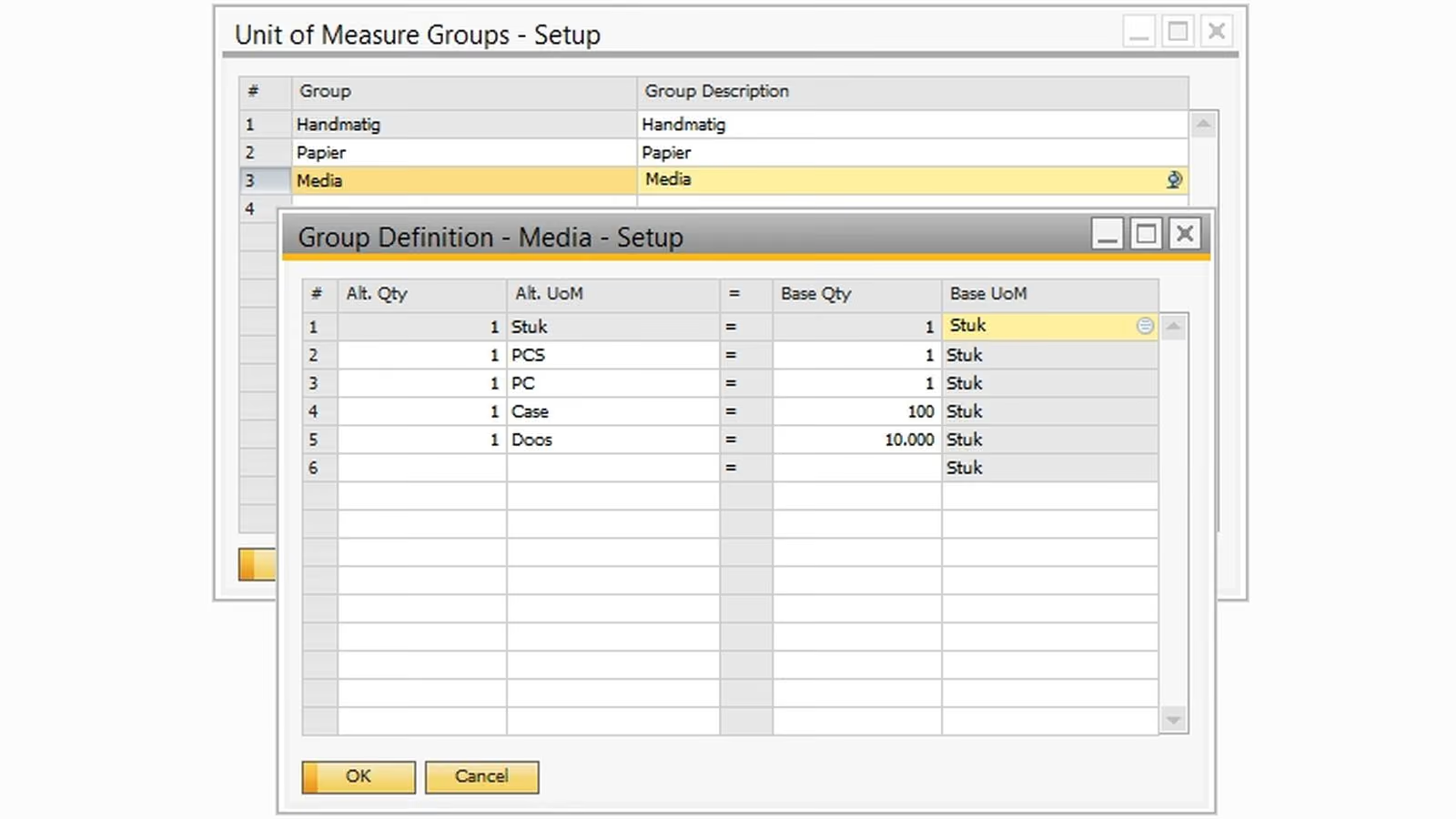
How do you set up a product sold by the metre in an ERP? Cable, belts, chain and rolls
Keep stock in metres and make the roll a purchase unit only. Units, decimals, offcuts and the MTR invoice code in Odoo and SAP Business One.
· 6 min read
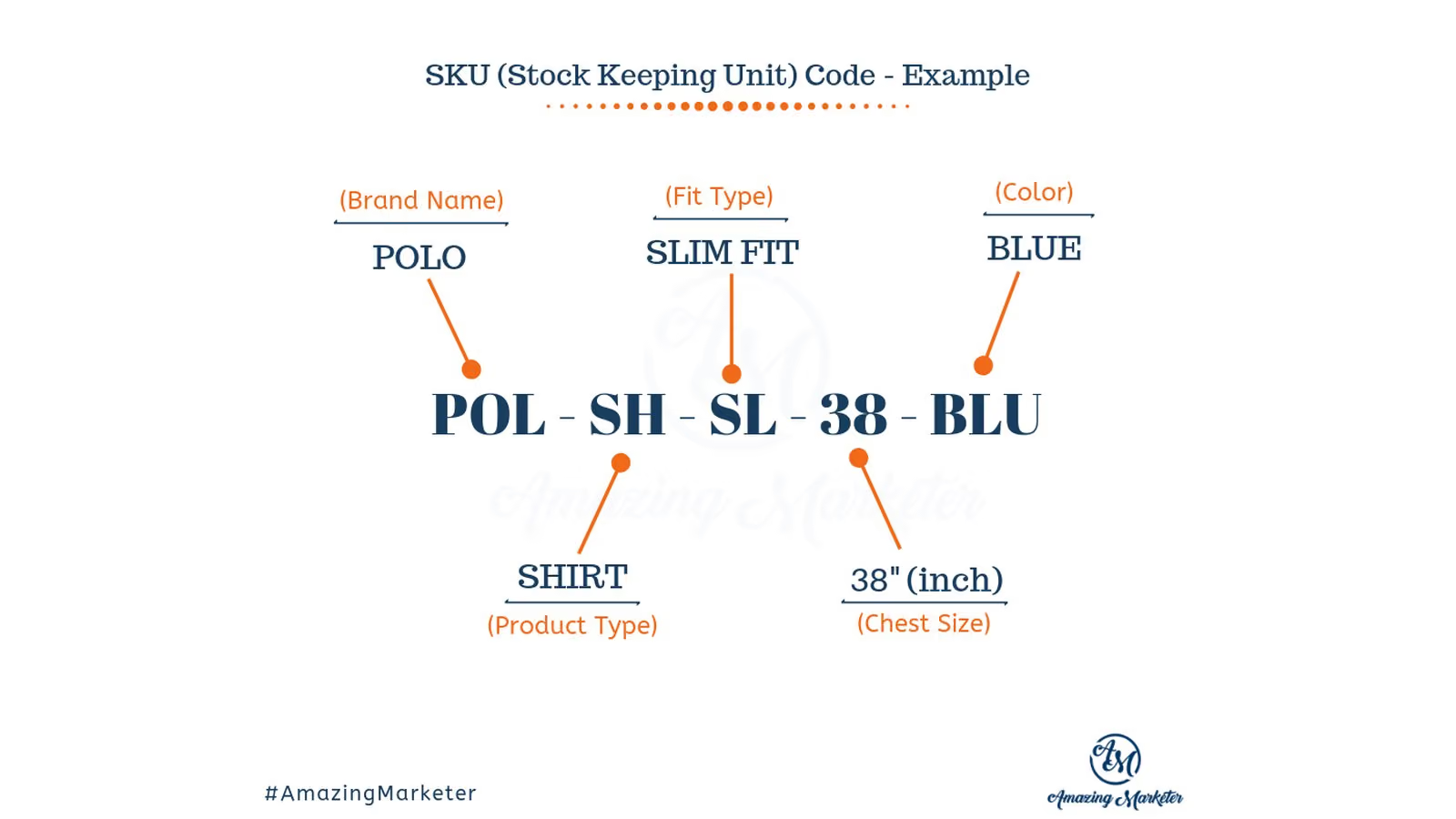
How do you write product codes (SKUs)? Why do duplicate products appear, and how do you find them?
A SKU is your internal code, not the maker's part number or the barcode. How to build one, why you shouldn't rename old codes, and how to find duplicates.
· 7 min read
How should you back up an ERP database? Can you trust a backup you have never tested?
Taking a backup is half the job. One that has never been restored may fail when you need it. How to back up an ERP, where to keep it and how often to test it.
· 6 min read

Should your ecommerce site talk to the ERP directly?
Orders, invoices and tracking can run automatically without an ERP. When do you need one, and should the site connect to it directly or through a layer?
· 7 min read

Why does the same order reach your ERP twice?
Payment and order notifications sometimes arrive twice; if the receiving side misses the repeat, the ERP records the order twice. Why, and how to prevent it?
· 6 min read
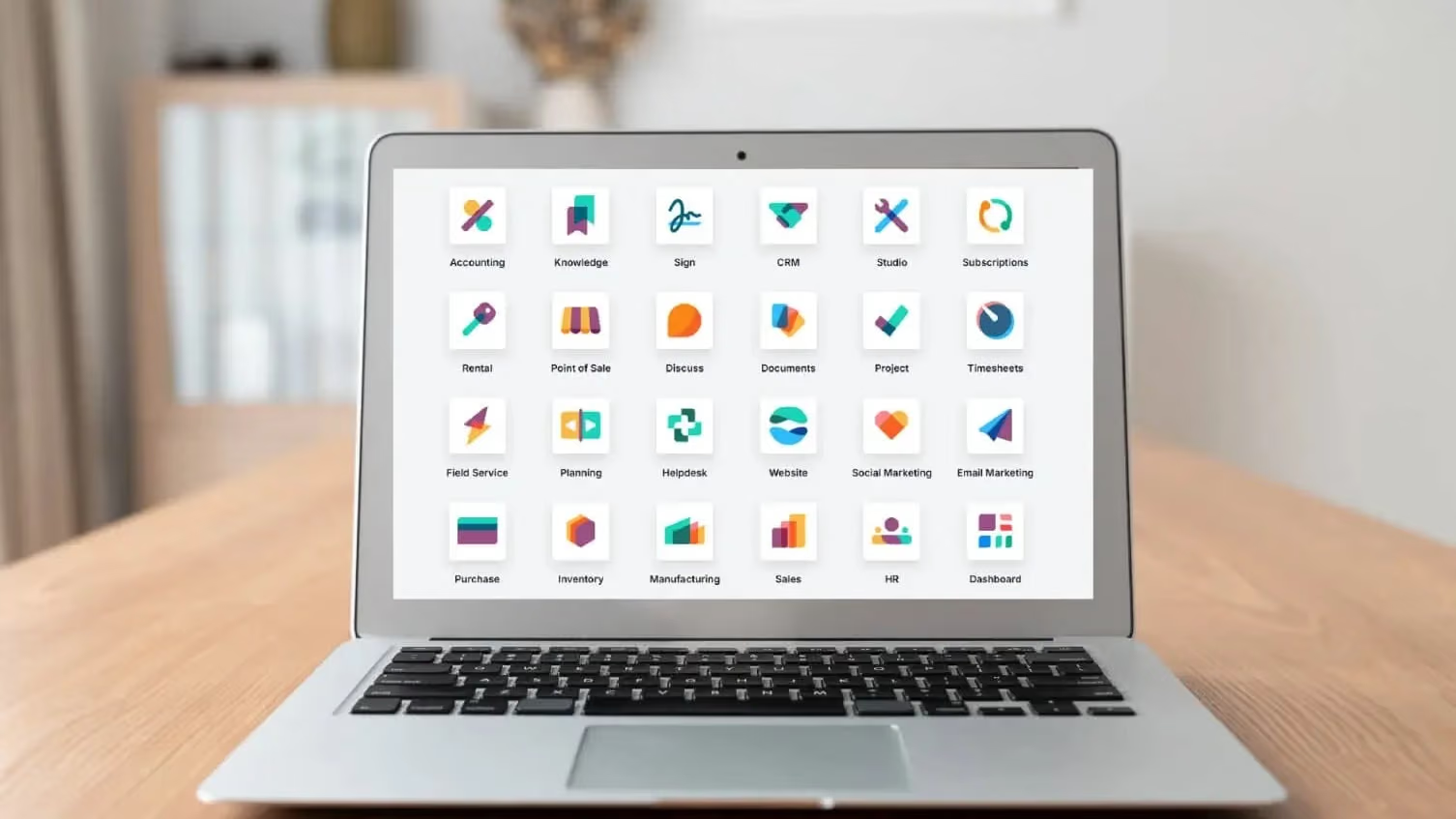
Do I really need an ERP? Is a free ERP a good idea?
Not every business needs an ERP; sometimes a spreadsheet or bookkeeping software is enough. When an ERP pays off, and what a free one really costs.
· 5 min read
How do you set up e-invoice integration in Turkey?
The connection is the easy part of e-invoice integration in Turkey. First decide who issues the invoice, what it connects to and what to ask your developer.
· 6 min read

