Brand and design
Identity, interface design and the templates your customers actually see.

Who it is for
- Businesses whose website, invoices and e-mails all look like different companies
- Strong brands that turn ordinary once they reach a screen
- Teams that got beautiful screens from a designer and lost them in the build
- A new product or line that needs an identity of its own
Design that knows the code
Everyone has seen a beautifully drawn interface fall apart once it is built. The reason is usually the same: it was designed without the realities of the browser and the data. A long product name, a missing image, the same button in five languages, a phone screen.
We design as the people who will build it. Colors, type, spacing and components are set up from the start as a design system and live in code under the same names. What you see on screen is what you approved in the design.
Atmosphere is part of the design
For a tango teacher in Istanbul we framed the question like this: if the dance is elegant, the site should be too. A black ground, gold tones, the italic finesse of Cormorant Garamond. If the visitor allows it, milonga music plays in the background, so they are in the mood before the first class. The personal service website case.
For a bearing company we did the opposite: a dark, speed-first store that makes deciding easy. New design directions were tried in this separate storefront, without risking the live store. The industrial e-commerce store case.
Where customers actually see your brand
An identity often stops at the logo and the website. Yet customers meet your brand most often here:
- Order confirmation and shipping e-mails
- E-invoices and e-archive invoices
- Quote and proforma templates
- Reports and delivery notes printed from the ERP
We bring these documents into the identity too. Someone opening your invoice should meet the same brand they saw on your site.
How we work
- Listening. Where your brand stands today, who it speaks to, and what must not change.
- Direction. Two or three directions shown on real screens, with your own products and words instead of a blank canvas.
- System. The chosen direction becomes rules for color, type, spacing and components.
- Application. The site, e-mails and document templates are built with that system.
- Guide. How to use the identity, written so the next designer after us understands it too.
What you get
- Logo and identity files (vector and image)
- Color, type and spacing rules; the design tokens used in code
- Interface components and page templates
- E-mail, e-invoice and quote templates
- A usage guide
Services in this area
Notes on the subject

How do you register a trademark in Turkey? TÜRKPATENT steps and opposition period
Trademark registration in Turkey starts with an application to TÜRKPATENT, a two-month opposition period follows publication, and protection lasts 10 years.
· 5 min read
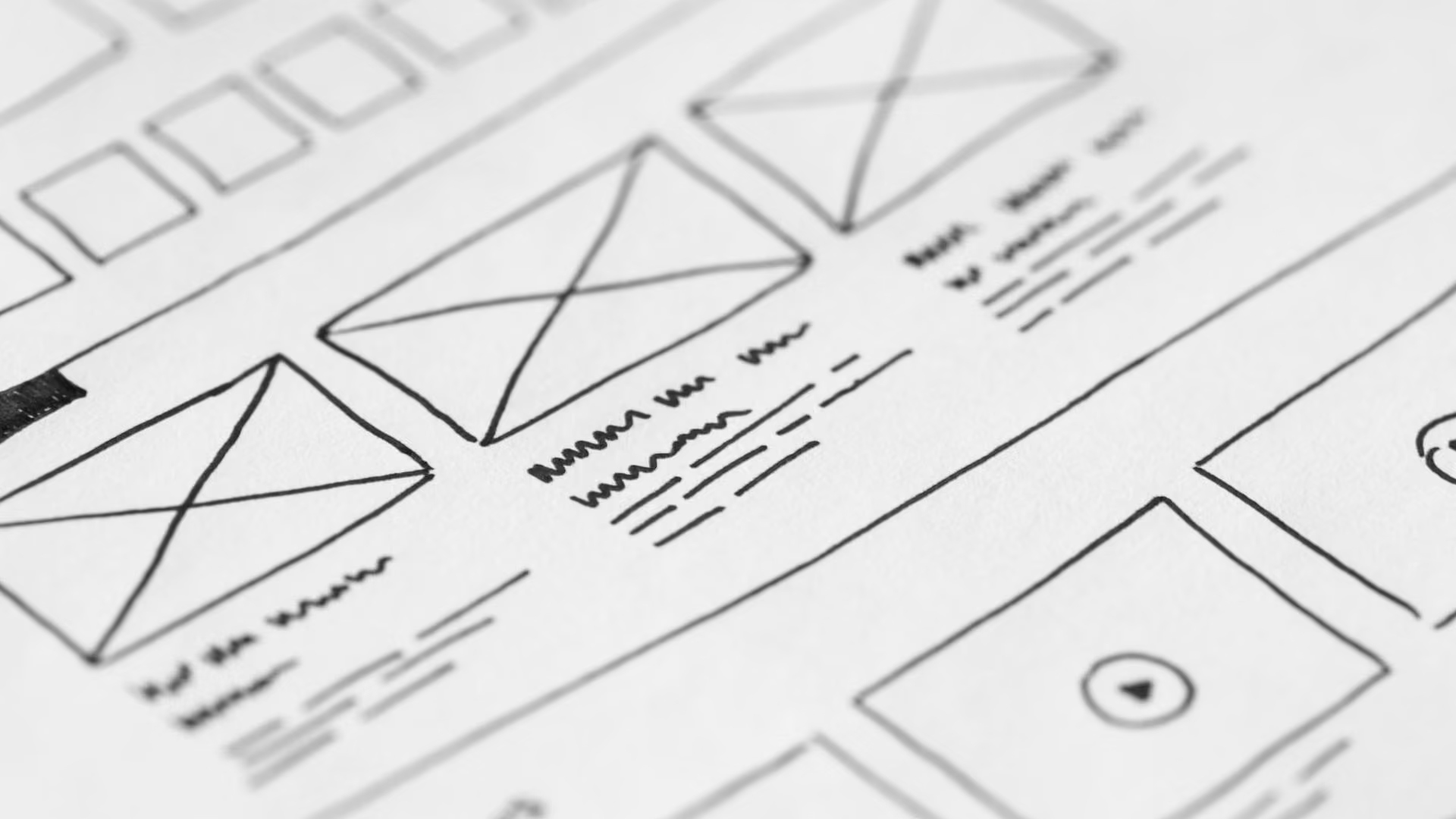
Ready-made theme or custom design for a website? Licence, speed and look-alike risk
What separates a ready-made theme, a customised theme and a custom design, and when each makes sense. Theme licences, updates and speed.
· 4 min read
What does a corporate identity include? Logo, colours, typefaces and a usage guide
A corporate identity is more than a logo. Colours, typefaces, who you speak to, a usage guide, and templates from business cards to email signatures.
· 4 min read

What should you know before getting a logo designed? Files, rights and memorability
A good logo is memorable, reads in one colour and at tiny sizes, and arrives as a vector file with a written transfer of rights. What to check first.
· 5 min read
