Payment integrations
Card payments, instalments and refunds: PayTR, iyzico or your bank's virtual POS, connected to your site the right way.

Who it is for
- Businesses opening a new store and unsure which payment route to choose
- Stores where paid orders stay "pending", or open twice
- Anyone moving from a payment institution to a bank's own virtual POS
- Anyone stuck setting up PayTR or iyzico on WooCommerce
How a payment is verified
A customer returning from the payment page does not mean the payment went through. The customer may close the page, or lose the connection. What really confirms the order is the notification the payment provider sends your site separately. The site checks from its signature that the notification really came from the provider and only then confirms the order. If the same notification arrives a second time, it is recognised and no second order opens. On WooCommerce, the most often forgotten step is setting this notification address. We wrote it up step by step in the note on WooCommerce and PayTR.
A payment institution or a bank POS
Payment institutions such as PayTR and iyzico accept cards and instalments from many banks through a single connection. A bank's own virtual POS is strongest at instalments on that bank's card programmes. Where and how to get each one, and what to watch for, is in the note on virtual POS in Türkiye. Whatever you choose, the logic of the connection is the same: payment, verified notification, order.
What you get
- The payment page, verified notification and order confirmation, connected
- Logging that keeps the same payment from being processed twice
- Refunds and partial refunds reflected on the order, stock and invoice together
- A record of the successful, failed and refund scenarios tested with test cards
Services in this area
Notes on the subject

What paperwork do you need to open an online store in Turkey? From sole proprietorship to ETBİS, step by step
A tax registration, a trade or craftsmen registry entry, ETBİS, e-archive invoices and four legal texts on the site. What comes when, and the deadlines.
· 6 min read
PayTR or iyzico? Fees, payout times and setup compared
Fees, payout times, applications, plugins and refunds, from each company's own pages as of November 2026. And which one suits whom.
· 6 min read
How do you connect a virtual POS to your site? The PayTR iFrame API step by step
Payment token, payment form and notification URL. Fields, signature, testing and going live from PayTR's own docs, plus a checklist before you launch.
· 5 min read
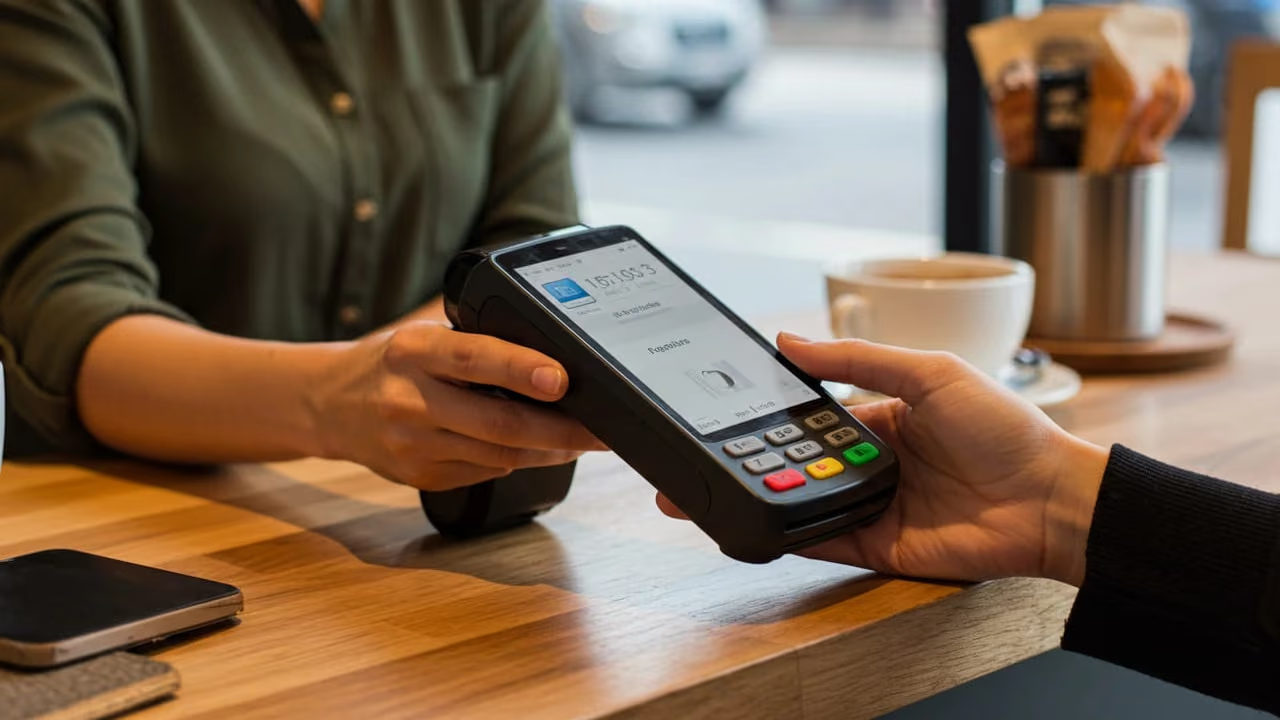
Is there a free virtual POS in Turkey? What do virtual POS fees depend on?
No virtual POS in Turkey is fully free. Commission, annual fees, settlement and campaigns, bank or payment institution by turnover, and providers' own rates.
· 4 min read

How do you get a virtual POS in Turkey?
From a bank, or from a payment institution such as PayTR or iyzico? Do you need a company, which pages must the site have, and how do you compare commission?
· 6 min read
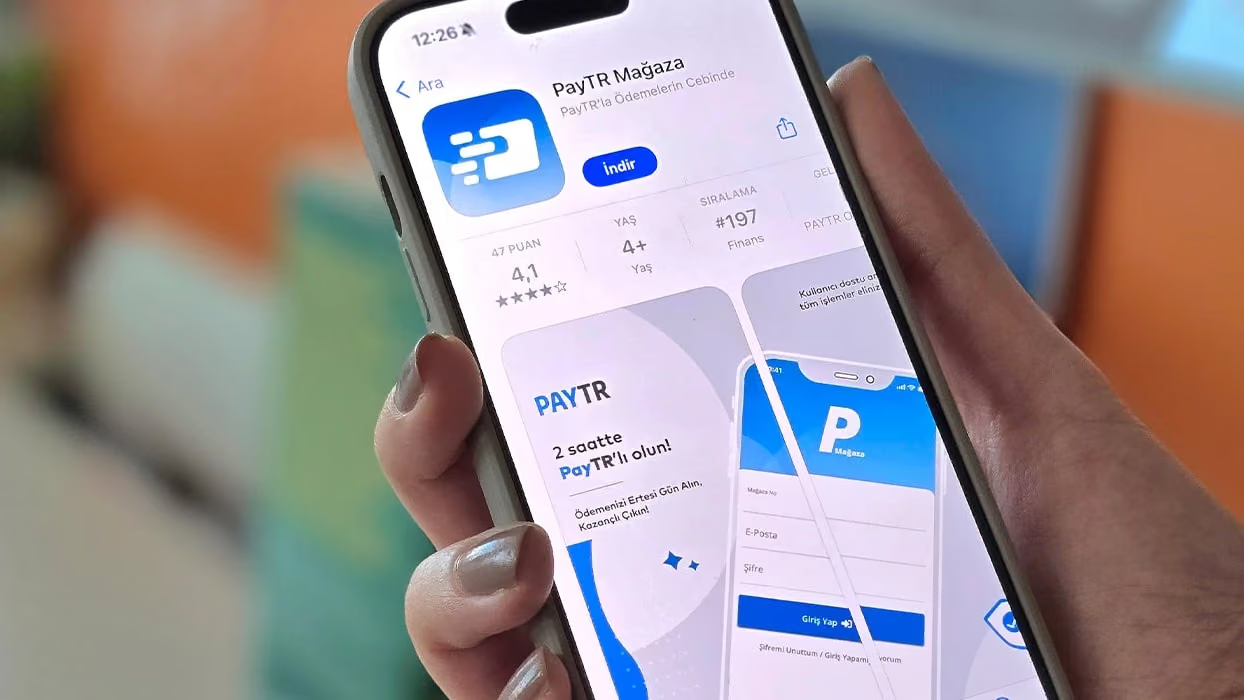
How do you integrate PayTR with WooCommerce, and what should you watch for?
Installing PayTR's WooCommerce plugin takes minutes. When a paid order is not confirmed, the cause is almost always the notification URL.
· 5 min read