Google Search Console setup
How Google sees your site: which pages are indexed, which searches you appear in and where the errors are.

Google Search Console is the free tool that shows how your site is doing in Google Search. It tells you which pages are indexed, how many times you appear in which searches and which errors Google runs into on your site. Anyone with a website should set it up first.
How do you set up and verify Google Search Console?
You first add a property, then prove you own the site. Google offers two property types. A Domain property covers all subdomains and both http and https versions, and it can only be verified with a DNS record. A URL-prefix property covers one address and can be verified with an HTML file, an HTML tag, a Google Analytics code, a Google Tag Manager code or a DNS record (Google Search Console Help).
Whenever possible we choose the Domain property with DNS verification, because the verification survives even if the site changes.
- Add the property. The Domain property is preferred.
- Add the DNS record. Enter the TXT record Google gives you where the domain is managed.
- Submit the sitemap. Add the sitemap address in the Sitemaps section.
- Wait for the first data. Reports begin to fill in within a few days.
Which Search Console reports should you check first?
The first place to look is the Performance report. It shows how many times you appeared for which search terms, how many clicks you got and your average position. Next comes the Pages report, which says which pages are indexed and why others are not. Site speed and page experience reports belong on the checklist too. If you changed an address or deleted a page, watch the error counts here.
We covered the usual reasons a site does not appear on Google in the note on why your site is not showing up. Often the answer is one line in Search Console.
Who is Search Console for, and who is it not for?
It suits every business with a website, and it is free. The only condition is that someone with access to the domain's DNS settings or the site's code does the verification. Search Console does not tell you what visitors do on the site, since that takes Google Analytics. It does not raise your ranking by itself either, it only shows what is wrong.
We set up Search Console together with the site. We handle verification, the sitemap and the first reading of the reports, and leave you a written note on what each line means.
Notes on the subject
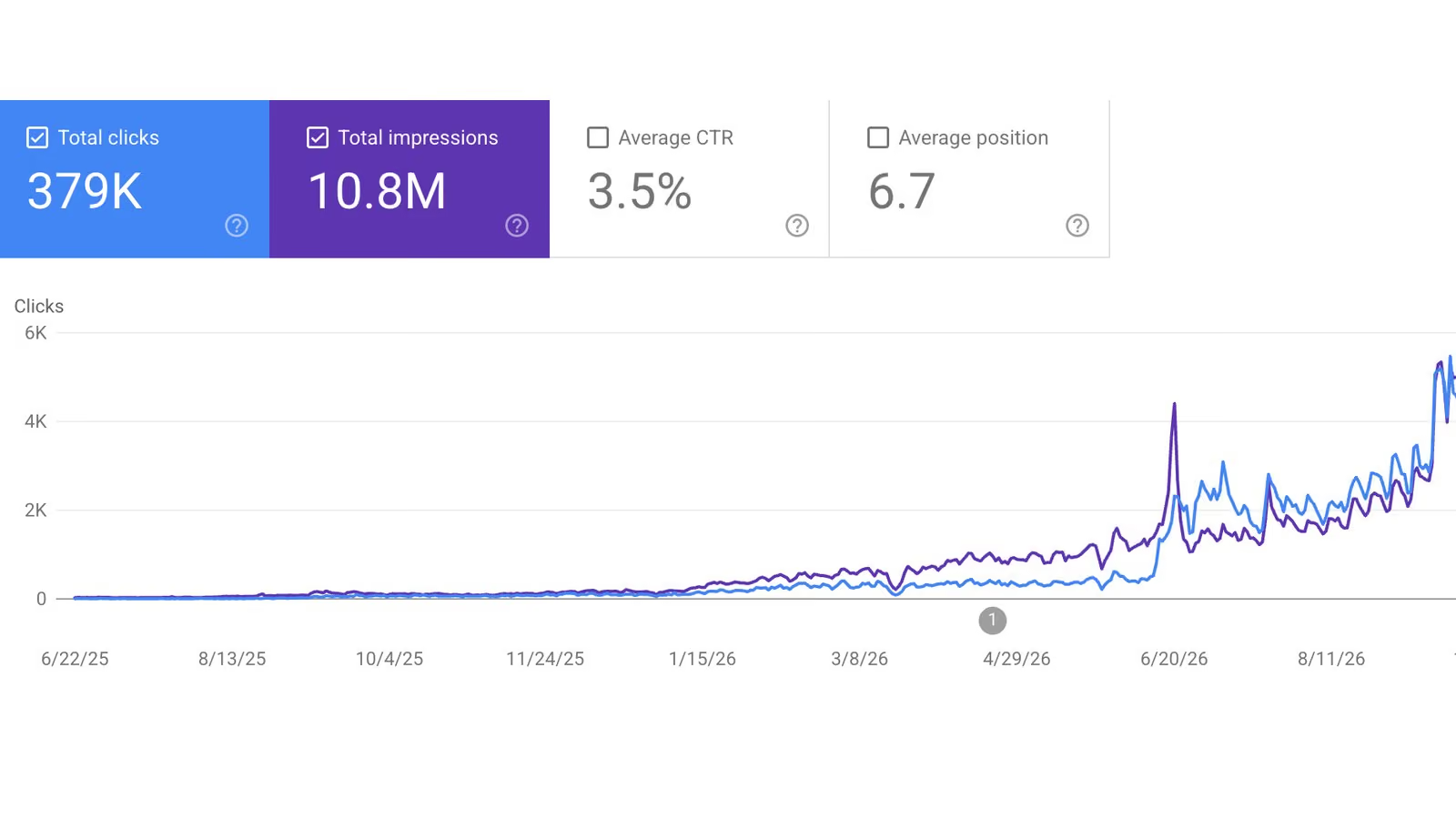
How many months of data does Search Console keep? Can you get 5 years of clicks?
Search Console keeps the last 16 months, and older data is gone at Google too. For the long run, you store it yourself from today. Here's how.
· 5 min read

My Google traffic dropped: is it an update or a tracking error?
When traffic drops, eliminate before you panic. How to tell a technical error, a Google update, seasonality, a tracking problem and AI answers apart.
· 4 min read
Should I opt my site out of Google's AI answers?
A new Search Console setting removes your site from AI Overviews and AI Mode. What it does, what it does not do, and why most businesses should leave it on.
· 4 min read