How many months of data does Search Console keep? Can you get 5 years of clicks?
Search Console keeps the last 16 months, and older data is gone at Google too. For the long run, you store it yourself from today. Here's how.

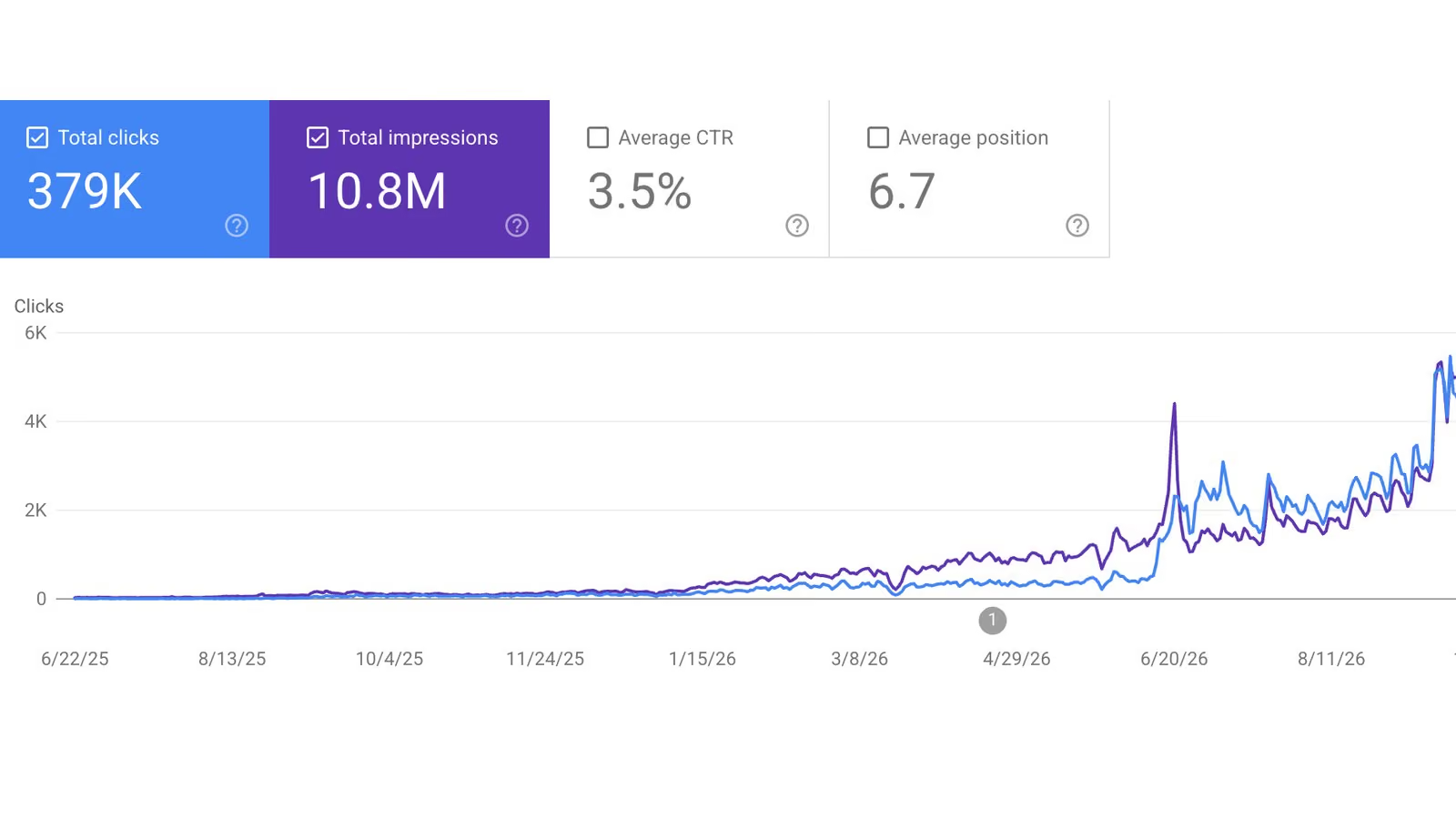
No, you can't. Search Console keeps the last 16 months of data. Older clicks don't exist at Google either: not in the dashboard and not in the API. If you want a 5-year table, the only way is to store the data yourself from today on. Google's bulk data export to BigQuery does that automatically every day, but it collects from the day you set it up onwards. It doesn't bring back the past. So the sooner you set it up, the better.
What exactly does the 16-month limit mean?
16 months is a rolling window. Every day, the oldest day drops out. Google says it plainly on an Analytics help page: Search Console keeps data for the last 16 months. Search Central's guide to traffic drops also tells you to pick "Last 16 months" in the date filter, and for anything longer it points to the Search Analytics API or bulk data export.
Let's clear up a common mistake. The API looks at the same 16 months. Where the API helps is when you pull the data regularly and write it to your own file or database. The secret of long-term data isn't a tool. It's keeping a copy.
Is there any way to see clicks from two years ago today?
Not in Search Console. But traces may be left somewhere else:
- Google Analytics 4. If GA4 has been on your site for years, the traffic acquisition report shows Google organic sessions, and the landing page report shows which pages people entered on. GA4's data retention setting only affects explorations and funnel reports. Standard reports aren't touched by it. These numbers are sessions, not clicks. Because of cookie consent and ad blockers they won't match Search Console exactly, but they show the trend.
- Old Universal Analytics. It was shut down and deleted in July 2024. Unless you exported it to BigQuery or a file before then, it won't come back.
- Your old reports. Monthly Excel and PDF files made by you or your agency. Often they are the only source.
Linking Search Console to GA4 doesn't solve this. Google's own page says the linked reports also show a maximum of 16 months. The same goes for Looker Studio: its Search Console reports read from Search Console and look at the same window.
How do you build up long-term data?
There are three ways, depending on the size of your site. Google's exporting data page covers all three.
| Method | How much data | Who it suits |
|---|---|---|
| Export from the report | 1,000 rows | Small sites, once a month by hand |
| Search Console API | 50K rows a day per search type | Anyone who wants regular, automatic pulls |
| Bulk export to BigQuery | No row limit, except anonymized queries | Large sites, ecommerce |
Exporting by hand every month. The cheapest option. At the start of each month, pick last month in the Performance report and download the Pages tab to Google Sheets, Excel or CSV. The table is limited to 1,000 rows, but according to Google the totals aren't cut. If you forget a month, you can catch up before the 16 months run out.
Automatic pulls through the API. A small script pulls the data every week and writes it to a table. Each request returns at most 25,000 rows, and you page through the rest. Google's API documentation walks through it step by step.
Bulk export to BigQuery. You set it up in Search Console under Settings, in the bulk data export section. Only property owners can set it up. You need a Google Cloud project with billing turned on. According to Google's setup page, the first export arrives within 48 hours and then runs daily. The data keeps piling up unless you set an expiration. Storage and queries cost money, but there is a free usage tier.
Don't skip this when you set it up. Bulk export doesn't bring in the days before setup. Google points to the API or the reports for that history. On the day you set it up, pull the last 16 months once through the API and put them in the same place. That way your archive starts 16 months back, not today. We turn on bulk export and archive the past 16 months as part of Search Console setup.
How do you see a product group's clicks by year?
Say you want to know how many clicks your products with codes starting with "AB" get from Google. In the Performance report, add a Page filter:
- If the code is in the URL, "URLs containing" is enough. For example,
/ab-. - If there are several patterns, switch to "Custom (regex)". For example,
/(ab|ac)-. According to Google's filtering page, it uses RE2 syntax and isn't case-sensitive.
Then pick "Last 16 months" in the date filter and switch the chart to the monthly view. In the Compare tab, you can put three months of this year next to the same three months of last year. Looking by year still hits the 16-month limit. You can compare this year with last year, not with three years ago.
This filter has three traps:
- If the code isn't in the URL, the filter won't work. If your URLs are made of product names, like
yoursite.com/steel-thermos, you need to export the Pages list and match it against your own product list. You do that in Excel or in BigQuery. - If a URL changed, its old clicks stay on the old URL. If you've moved your site, your filter has to cover both the old and the new pattern.
- Searches for the code are a separate signal. Put the same code in the Query filter and you'll see searches where people typed the product code straight into Google. On wholesale and spare parts sites, this is often the most valuable traffic.
Once bulk export is running, this question gets easier. The page-level table (searchdata_url_impression) has the URL and the day for every row. You filter by URL and add up by year. Your 5-year chart will be ready 5 years after the day you set it up.
We explained how the 16-month view helps when you diagnose a traffic drop in the traffic drop note.