Servers and infrastructure
Servers you own, set up securely and kept running: deployments, backups, e-mail and moving off the cloud.

Who it is for
- Businesses whose site or store slows down on shared hosting but who are wary of unpredictable cloud bills
- Teams that want to run Next.js, Medusa or Odoo on a server of their own
- Anyone whose carrier or e-document integrations need a server with a fixed IP
- Companies that want business e-mail on their own domain and their own server
- Anyone stuck with "only the person who set up the server knows how it works"
How does this site run?
The site you are reading runs on a server set up the way this page describes. We run the setup ourselves before we hand one like it to you:
- Key-only access. Nobody logs in to the server with a password, and the admin panel sits apart from the site's address.
- Zero-downtime releases. Each release uploads to its own folder and goes live only after its files are verified. A visitor sees either the old site or the new one, never a mix.
- One-step rollback. Going back to the previous release is a single command. We tested it in production.
- Backups off the server. The site, e-mail and settings are backed up every night, and the backup is kept somewhere else.
- A tested restore. We compared a site restored from backup with the live one, file for file, and they matched.
- Trusted e-mail. Mail on our own domain is sent with SPF, DKIM and DMARC records, so the receiving server can verify it really came from us.
How we work
- Discovery. Which applications will run, how much traffic you expect, and which outside services require a fixed IP.
- Provider and size. We recommend a provider and plan by CPU, memory, disk and backup options. The account is opened in your name.
- Setup and hardening. Operating system, firewall, key-only login, automatic security updates, Nginx and, where needed, Docker.
- The release path. How code reaches the server and how it is rolled back, both tried in front of you.
- Backups and a drill. Nightly backups are set up, and the system is actually restored from one, with the result written down.
- Handover. A runbook that says where everything is and what to do when something breaks.
What you get
- A hardened server, opened in your name
- A zero-downtime release and one-step rollback script
- Nightly backups and the written result of a restore drill
- E-mail on your own domain with SPF, DKIM and DMARC, if you need it
- A runbook for server, releases, backups and recovery
What we do not do
We do not sell penetration testing, security audits or 24/7 on-call. We build the systems we run securely and keep them running; if you need more than that, we say so and point you to the right team.
Services in this area
Notes on the subject

Why does business email end up in the spam folder, and how do you prevent it?
Four common reasons business email lands in spam. Bulk sending from a new address, complaints, blocklists and a hijacked account. What to check and what to do.
· 4 min read

Do you need Cloudflare? What the free plan covers and when you can skip it
Cloudflare is not required for every site. What it does for DNS, caching, DDoS, WAF, bots and AI crawlers, what the free plan covers and when to skip it.
· 5 min read

What security steps should you take in the first hour of a new server?
A short checklist to apply as soon as a VDS or VPS goes live. SSH keys, turning off root and password login, a firewall, fail2ban, updates and backups.
· 4 min read

Can we run business email on our own server without Google Workspace or Zoho?
Yes, you can. Which DNS records you need, what a blocked port 25 means and what Gmail and Outlook expect from anyone sending them mail.
· 4 min read

What are ISR Writes, Build CPU and Fast Origin Transfer on a Vercel bill, and how do you bring them down?
What the three fastest-growing lines on a Vercel bill measure, why they grow and which settings lower them. A short guide based on Vercel's own documentation.
· 5 min read

How should you back up an ERP database? Can you trust a backup you have never tested?
Taking a backup is half the job. One that has never been restored may fail when you need it. How to back up an ERP, where to keep it and how often to test it.
· 6 min read

Why is my WordPress site slow?
WordPress itself is rarely slow; what slows a site down is usually what was added later. How to measure the cause and where to start.
· 4 min read

What happens to a static site on our own server as the content grows?
As a static site grows, visitors notice nothing; what grows is build time, images and disk space. When is static not enough, and what then?
· 4 min read
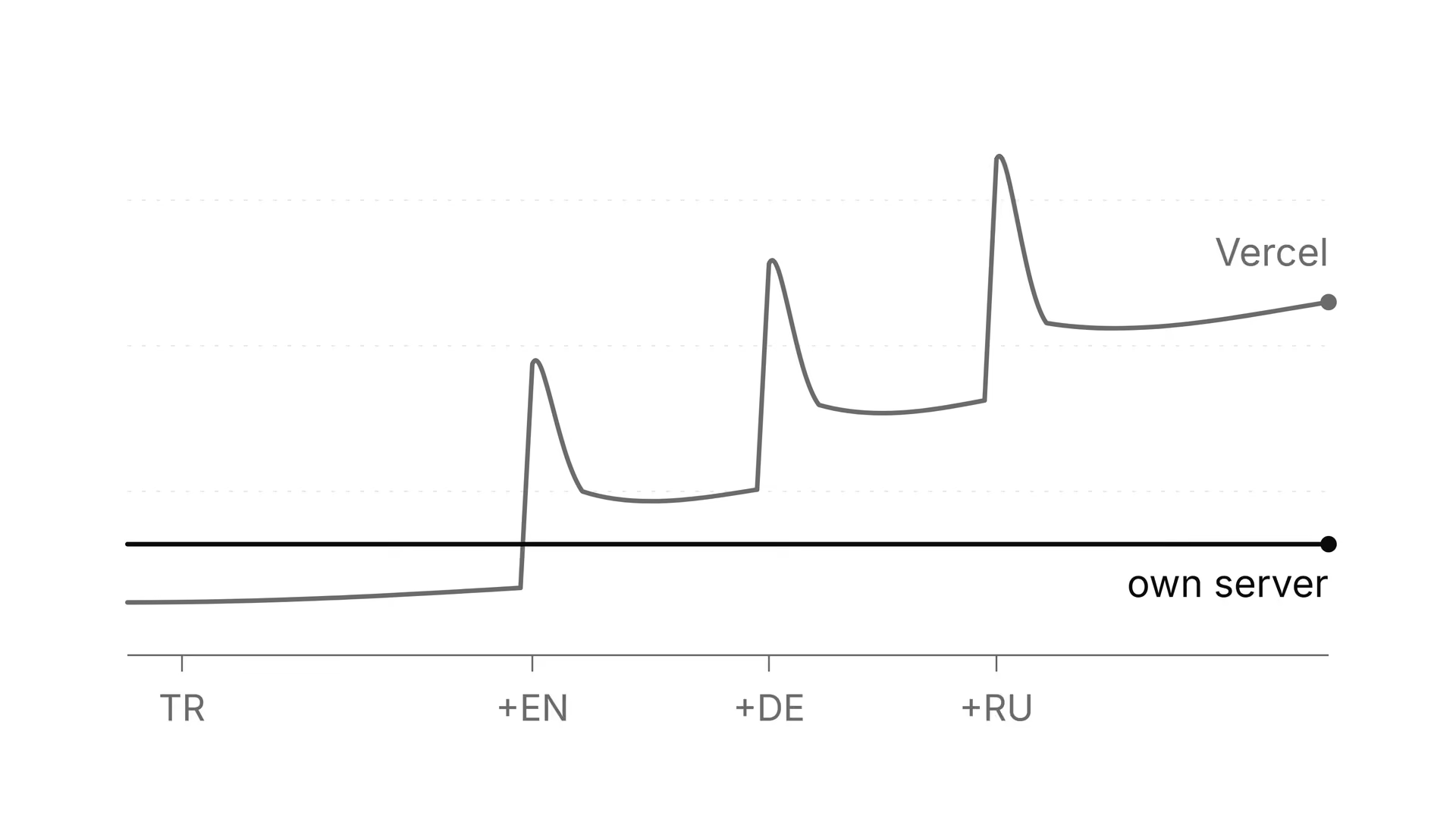
Our Vercel bill keeps growing. Should we move to our own server?
Page regeneration, not visitors, grows a Vercel bill. What to check before you move, and how to move to your own server safely.
· 5 min read


