PayTR integration
We connect card payments through PayTR to WordPress or your own e-commerce stack. It runs on a live store.

A PayTR integration is the connection that lets your checkout talk to PayTR, the Turkish payment provider, and confirms the order on your site once the payment has gone through. If you are opening an online store in Türkiye and cannot decide whether to build payments on WordPress or on your own stack, this is the first question. We do both, and the PayTR connection runs on a live store of ours.
How is a PayTR integration done?
It is built in one of two ways, depending on where payment will live.
- WordPress and WooCommerce. PayTR's own plugin is installed, the store credentials from the PayTR panel are entered, and the notification address is set in the panel. The steps are in our WooCommerce and PayTR note.
- Your own e-commerce stack. There is no plugin, so the payment request, the signature check on the notification and the order status are written in code. It is more work, but you decide how the order, stock and invoice move along with the payment.
The order is the same either way. The PayTR merchant application is approved first, then successful, failed and refunded payments are tried in the test environment, and only then do you go live.
What should you watch for in a PayTR integration?
The most common mistake is confirming the order because the customer came back from the payment page. What confirms the order is the notification PayTR sends to your site separately. If the customer closes the tab or loses the connection, the return page may never open. So the notification address has to be set correctly, your site has to give the response PayTR expects, and a notification that arrives twice must not create a second order.
The other costs sit in process more than code. The documents for the merchant application, the contract and return pages your site must show, instalment and payout-timing choices, and how a refund or partial refund reaches the order and the invoice. For commission and payout timing, see how to get a virtual POS.
Is PayTR the right choice for you?
PayTR suits small and mid-sized stores that want one connection accepting cards and instalments from many banks, without applying to each bank.
There are cases where it is not. If most of your sales come from instalments on one bank's card programme, that bank's own virtual POS may make more sense. If you do not yet have a company and a tax certificate, sort that out first and integrate payments afterwards. And if you sell only a few products, a ready-made payment link can be enough, with no code at all.
In this work we build the PayTR connection, hand over a record of the scenarios tried with test cards, and go live together with you.
Notes on the subject
PayTR or iyzico? Fees, payout times and setup compared
Fees, payout times, applications, plugins and refunds, from each company's own pages as of November 2026. And which one suits whom.
· 6 min read

How do you connect a virtual POS to your site? The PayTR iFrame API step by step
Payment token, payment form and notification URL. Fields, signature, testing and going live from PayTR's own docs, plus a checklist before you launch.
· 5 min read
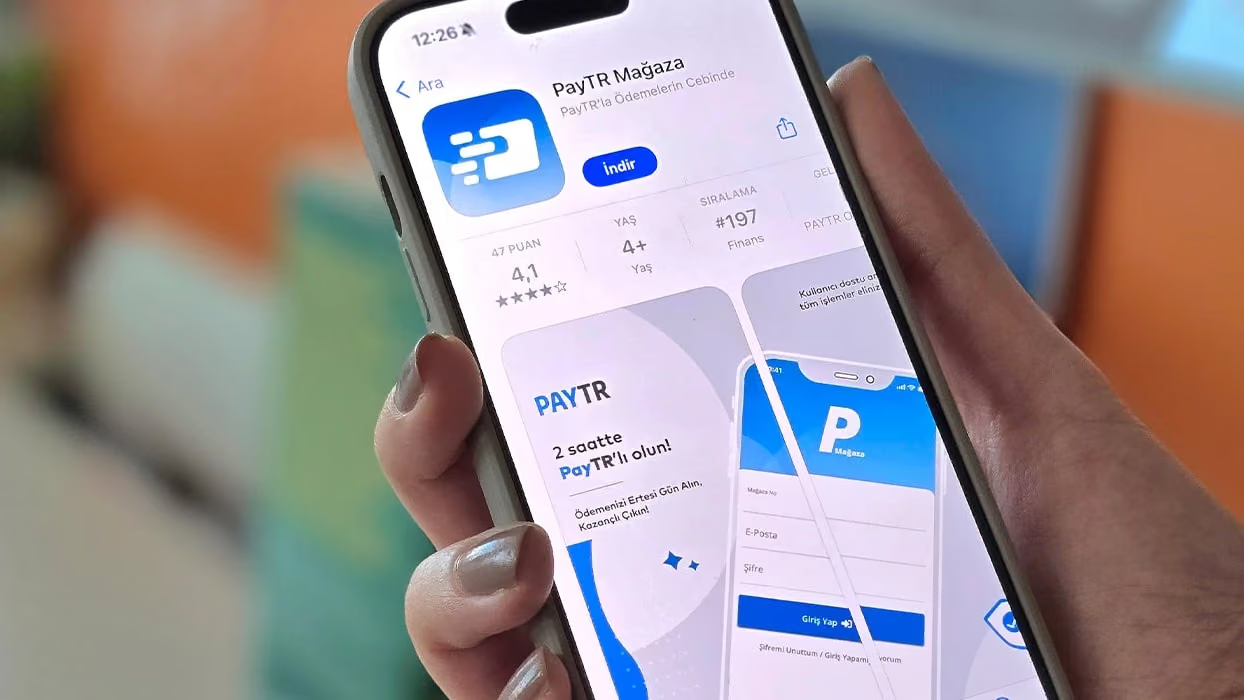
How do you integrate PayTR with WooCommerce, and what should you watch for?
Installing PayTR's WooCommerce plugin takes minutes. When a paid order is not confirmed, the cause is almost always the notification URL.
· 5 min read