Shipping integrations
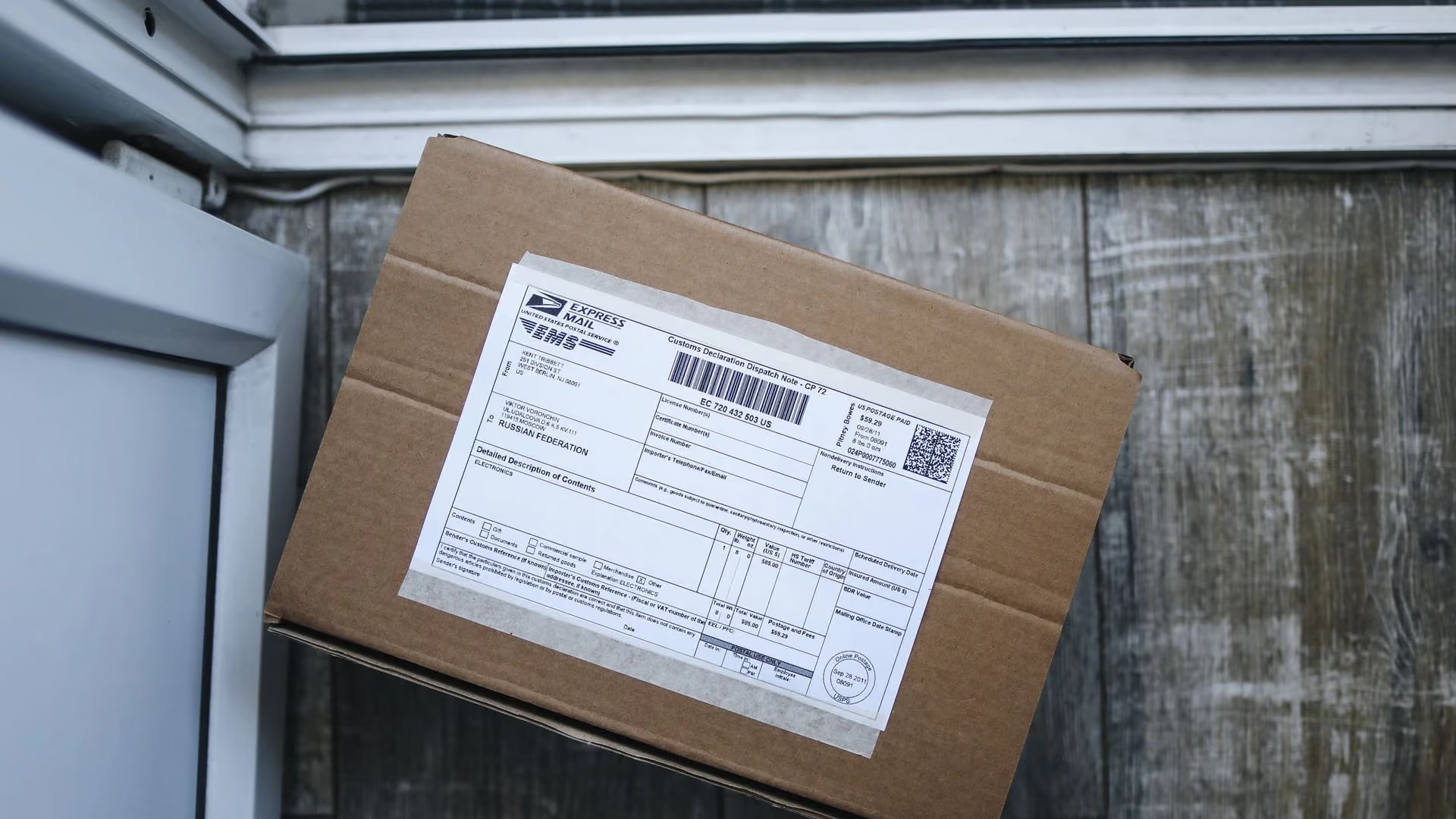
When an order is confirmed, the shipment is created, the label is printed, and the tracking number reaches the order and the customer by itself.

Who it is for
- Businesses getting a shipping label for every order from the carrier's panel, one by one
- Anyone typing tracking numbers into messages to customers by hand
- Businesses working with different carriers at home and abroad
- Anyone who wants to change carrier but dreads rebuilding the connection
How a shipment flows
- The order is confirmed. Once payment is taken or the warehouse has packed the order, it is time to create the shipment.
- The shipment is created. A shipment with the recipient, address and parcel details opens in the carrier's system.
- The label is printed. The label comes out of the warehouse printer at the size the carrier requires. For international shipments, the customs documents are generated from the order too.
- The tracking number is written. The number is saved on the order and sent to the customer when the parcel is handed over.
- The delivery status comes back. When the parcel is delivered or returned, the order updates itself.
Where the time really goes
The code is the small part of a shipping integration. Most of the time goes into:
- The agreement with the carrier and the service account from the branch
- Authorising the server's IP with the carrier (Yurtiçi requires it)
- Labelling domestic and international shipments under different rules
- Which printer in the warehouse prints the label, and at what size
We follow these steps up on your behalf and share in writing which one is waiting on whom. Why a tracking number sometimes says "no record found" is in the note on tracking numbers.
What you get
- A connection that creates the shipment from the order, prints the label and writes the tracking number
- Customs documents generated from the order for international shipments
- Delivery and return status written back to the order
- An alert to the warehouse and to you when a shipment cannot be created