Product photography
Studio shots on white and dark, planned for your site, marketplace or catalogue.

Product photography is planned around where the product will be sold. An online store, a marketplace listing and a printed catalogue do not want the same picture. So before we talk about price, we settle what we are shooting, where we shoot it and where the photos will be used. Product photography prices follow those three answers.
How does e-commerce product photography work?
A shoot starts with a conversation about your products and where the images will live, and ends with edited files. A few decisions sit in between.
- We talk through the products and where the photos will go. Your own site, a marketplace or a catalogue.
- We decide where to shoot. In our studio, or at your premises if the products stay with you.
- We pick the background. White, dark or a colour from your brand.
- We shoot and edit. Detail, macro and in-use frames are added when they help.
- We deliver named files sized for your site.
We explain why a white background is a lighting job from start to finish, and how reflections on metal are handled, in our note on white background product photos.
How long does a product photo shoot take?
We can give you a firm timeline once we have seen your product list. The shoot day is only part of it. What happens before and after adds to the schedule too.
- How the products arrive. If everything arrives together, the series is shot in one go. If it arrives in batches, the light is set up again each time.
- Test shots. Before the series starts we test the light and angle on a few products and get your approval. The sooner you approve, the sooner the series starts.
- How similar the products are. Products from the same family move quickly in the same setup. Each product unlike the others needs a new setup.
- In-use scenes. These need a location, props and sometimes a hand or a model. They take far more preparation than a white background shot.
- Retouching. On shiny or dusty products, every frame needs its own cleanup.
What sets product photography prices?
The product itself, the shooting location, the background and the number of frames set the price. A shiny metal or glass product needs reflection control and takes longer than a plain box. The angles, detail frames and in-use scenes you want per product add time too. If the products can come to our studio the job is simple. Large or immovable products are shot at your site, and that shows in the price. Editing is separate work as well, including background cleanup, colour correction and sizing the files.
When you ask a product photographer for a quote, check that these items are written down. One includes retouching in the price, another lists it separately. The same figure can describe two different jobs.
- How many products and how many frames per product
- Whether in-use scenes are included
- What the retouching covers
- The sizes, formats and file names you will receive
- Where and for how long the photos may be used
We wrote about how to think about the budget, why the cheapest quote is risky and why it makes sense to start with your best sellers in our note on product photography budgets.
Does every product need a professional shoot?
No. If you have a few simple, non-reflective products, a phone can give a decent result. We explain where it stops being enough in our note on shooting with a phone.
If you shoot at home yourself, light does most of the work. Soft light next to a window beats direct sun, which leaves hard shadows and glare. A plain card backdrop and a phone held steady are enough to start.
A professional shoot pays off in these cases.
- You sell reflective, glossy or dark products
- Many products need the same light and the same background so they look consistent
- The photos go to marketplace rules, a printed catalogue or advertising space
- Product detail affects the buying decision
How many angles and frames do you shoot?
The number comes from the product and from where the photos will go. Each frame should answer one of the buyer's questions. Ten frames that repeat each other tell them nothing new.
- Main image. The whole product on a clean background. This is what the buyer sees in a listing.
- Angles. Front, side, back and top if needed. The way a buyer turns a product over in a shop.
- Detail and macro. Material, stitching, joints, labels or a cutting edge.
- Scale. Size becomes clear next to a hand or a familiar object.
- In use. The product doing real work.
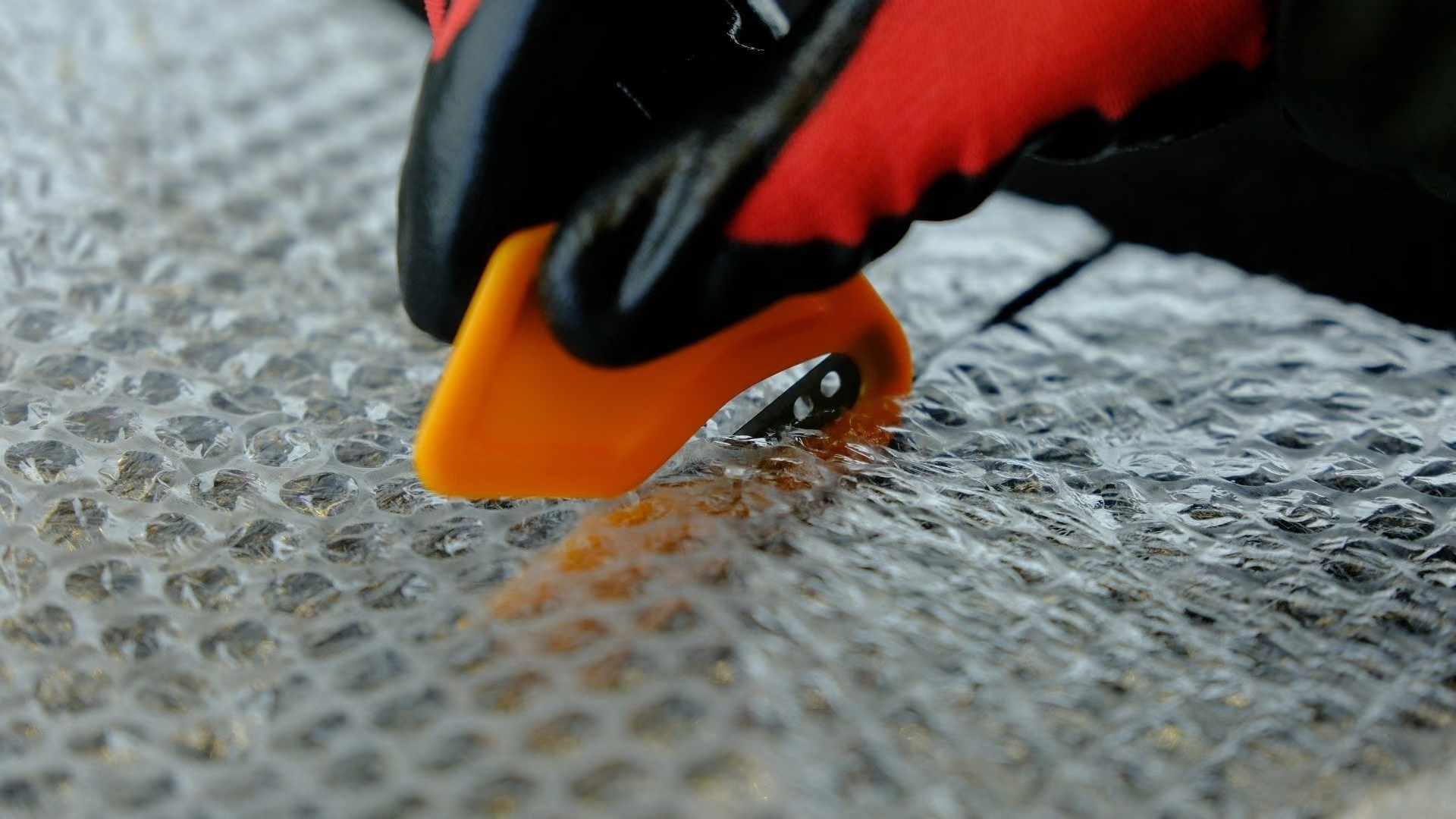
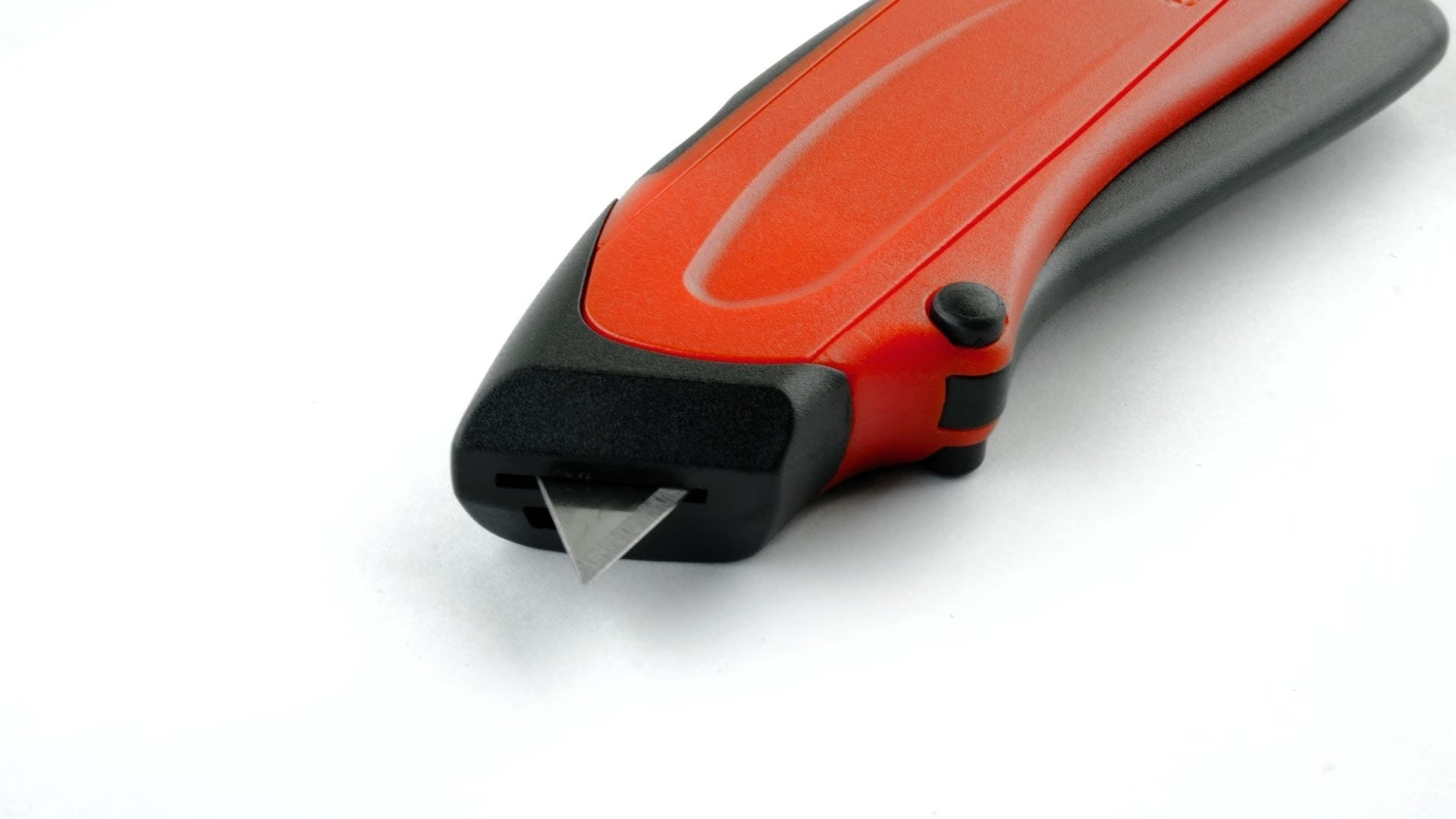
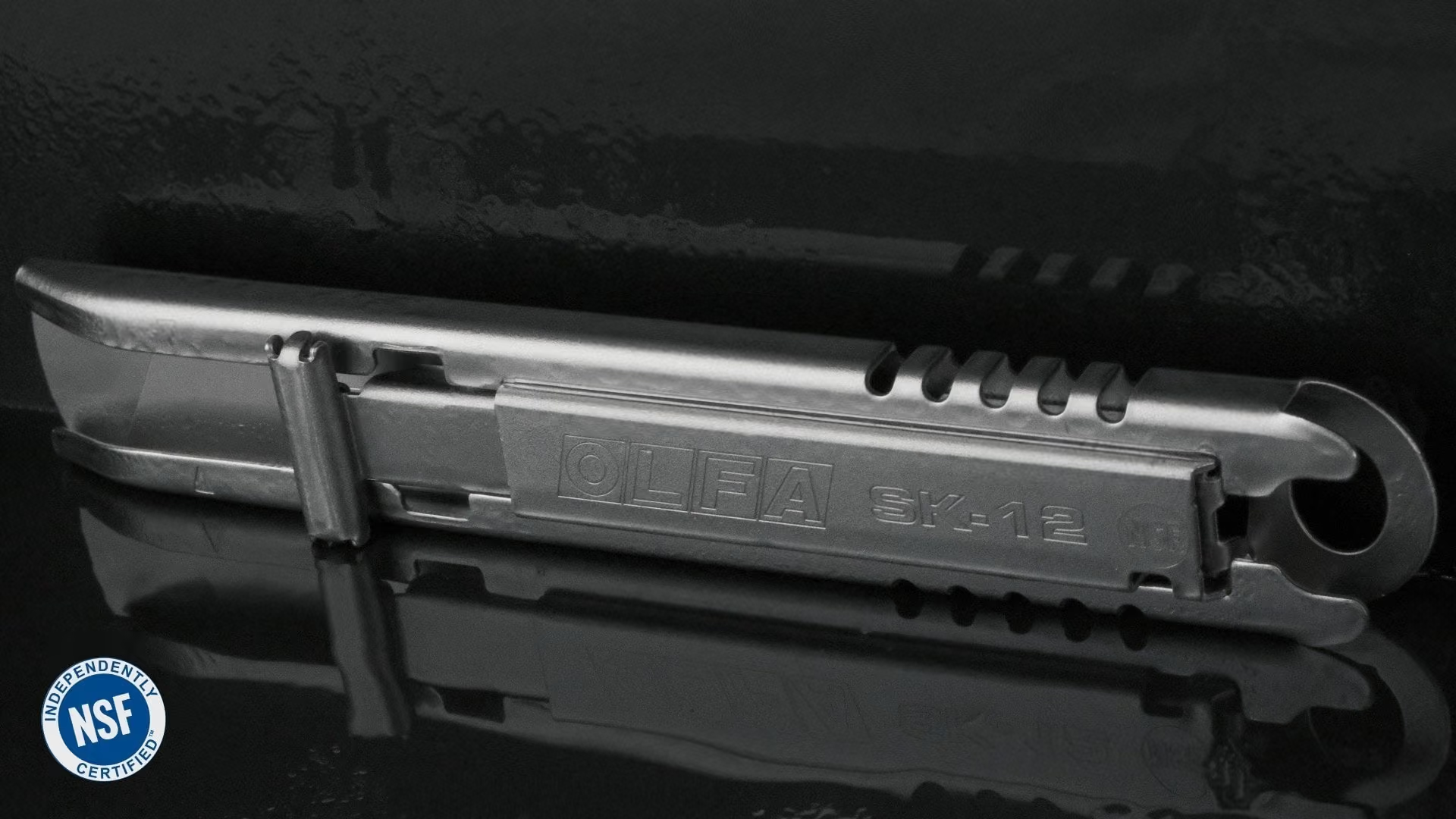
Google Merchant Center accepts up to 10 additional images per product next to the main one. Marketplaces may set a different limit. For an industrial blade supplier we shot every product on white or dark and showed the blade edge in macro. We shot the cut too, with a gloved hand going through cardboard and bubble wrap.
How do I send you the products? Do I need to come to the studio?
You do not need to come. Small, portable products reach the studio by courier or in person and go back to you after the shoot. We send you test frames to approve the light and angle, so you do not need to be there during the shoot. Large, heavy or fixed products are shot at your premises.
A few things speed up the work before you send anything.
- Send the product as it is sold. With its packaging, label and accessories.
- Write each product's code on its package. We name the files with that code.
- Send one of each colour or variant. Turning one colour into another in retouching does not match the real tone of the surface.
- Set aside a new, clean sample if you can. Scratches and dents cost retouching time.
Will the photos meet Amazon, Trendyol and Hepsiburada image rules?
We shoot them to, but not from a fixed recipe. Each marketplace has its own image rules. Background colour, how much of the frame the product fills, the minimum size and whether text may sit on the image can differ from one to the next. Before the shoot we check the current version of those rules together, in the seller documentation of the marketplace you sell on.
The same photo goes to each marketplace with its own crop. Moving between square and portrait without losing anything only works if the shot left room around the product. That is why the ratios need to be known before the shoot. Sending products to marketplaces in bulk with their photos is a job for marketplace integrations.
Is AI product photography good enough?
Not for the product itself. A buyer expects the product they saw in the photo. A product image generated from scratch can change the logo, the text, the colour or the proportions. If the buyer opens the box and finds something else, you risk a return and a bad review.
Google looks at it the same way. Merchant Center's image rules ask that the main image show the exact item being sold. Images created with generative AI must carry metadata saying so, and that tag must not be removed. The rules also define a separate tag for composites that mix a real photo with generated elements.
On top of a real photo, AI is useful. Background cleanup, dust removal, or the backdrop of an in-use frame. Our advice is to shoot the product for real and use AI for the work around it.
Who owns the rights to the photos?
Turkish copyright law protects photographic works and treats the person who made a work as its author. Any transfer of the rights to use it must be in writing, with each right listed separately (Law No. 5846, articles 4, 8 and 52).
So we agree where the photos will be used before the shoot and put it in the quote. Your site, marketplaces, social media, a printed catalogue and advertising are separate items. Whoever you work with, ask a product photographer for that list in writing.
Who is this for?
Businesses that sell through pictures, where the image is the main sales tool on the site. If your product list is not settled yet, or you do not know where the photos will be used, sort that out first. A hundred photos shot on the wrong background are expensive to redo.
We shoot studio work on white and dark backgrounds, detail and macro frames, and in-use scenes ourselves. We prepare the photos in the form your site and store will use.
Notes on the subject
How much budget should you set aside for product photography, and what sets the price of a shoot?
Product count, angles, lifestyle shots, retouching and usage rights set a product photography budget. We explain what you pay for instead of quoting numbers.
· 4 min read
How do you photograph products on a white background, and how do you handle reflections on metal?
A white background shot is all about light. Backdrop cleanliness, light colour, reflections on shiny surfaces and Google Merchant Center's image rules.
· 4 min read
Can you shoot product photos with a phone, and when do you need a professional?
A recent phone can shoot good product photos. Here is how light, background and your brand's style decide between a phone and a professional shoot.
· 3 min read