WooCommerce store setup
A store on WordPress. Setup is simple, the real work is connecting iyzico, PayTR or a bank virtual POS correctly.

WooCommerce is a free store plugin for WordPress. If you already have a WordPress site, or want the simplest way into e-commerce, it is the easiest place to start. Setup is simple. The hard part comes afterwards, and it is taking payments correctly.
How is a WooCommerce store set up?
Setting up WooCommerce means installing the plugin on WordPress and entering the store settings. The usual order looks like this.
- Pick hosting or a server, install WordPress and turn on SSL.
- Install the WooCommerce plugin and enter currency, tax and shipping zones.
- Import products by hand or from a file.
- Choose a theme and review the cart and checkout pages.
- Connect the payment provider and test it with a real order.
What should you watch after the setup?
After setup, the most important job is integrating iyzico, PayTR or your bank's virtual POS. Installing the plugin is easy. Getting a paid order confirmed in the store needs its own correct setting, and the problem usually sits in the notification URL. We covered it in detail in our WooCommerce PayTR integration note. Depending on your provider, see also the PayTR and iyzico pages.
Other items to keep in mind.
- WooCommerce runs on your own server. Updates, backups and security are yours.
- Every extra feature is a plugin. The more plugins, the slower the site can get and the more updates can clash.
- Shipping, e-invoicing and ERP connections are built either with a ready plugin or with a custom connection.
Design freedom is a big plus with WooCommerce. Because you can work on the theme files and plugins, a custom cart or product page does not run into a platform frame. That freedom is not free. Maintenance has to be planned from the start so that changes survive updates. Before launch it is also wise to set up backups and admin permissions. Speed is a separate item, and we explained why sites slow down in why is my WordPress site slow.
Who is WooCommerce for, and who is it not for?
WooCommerce suits small and mid-sized businesses that want to open a store quickly, run it alongside a blog and content, and stay free on design. The code is open to you, so you can change whatever you want.
If you do not want to deal with maintenance, or you have a large catalogue leaning on many plugins, look at another route. A hosted platform or a custom build is easier then. We wrote about the difference in ready-made platform or custom software.
We deliver the WooCommerce store with its theme, product import and payment connection, tested with a real order.
Notes on the subject

ikas, Shopify or WooCommerce for an online store in Turkey?
Selling inside Turkey, pick ikas. Selling abroad, Shopify. Want the server and data in your hands, WooCommerce. Prices, payments and how to leave.
· 5 min read
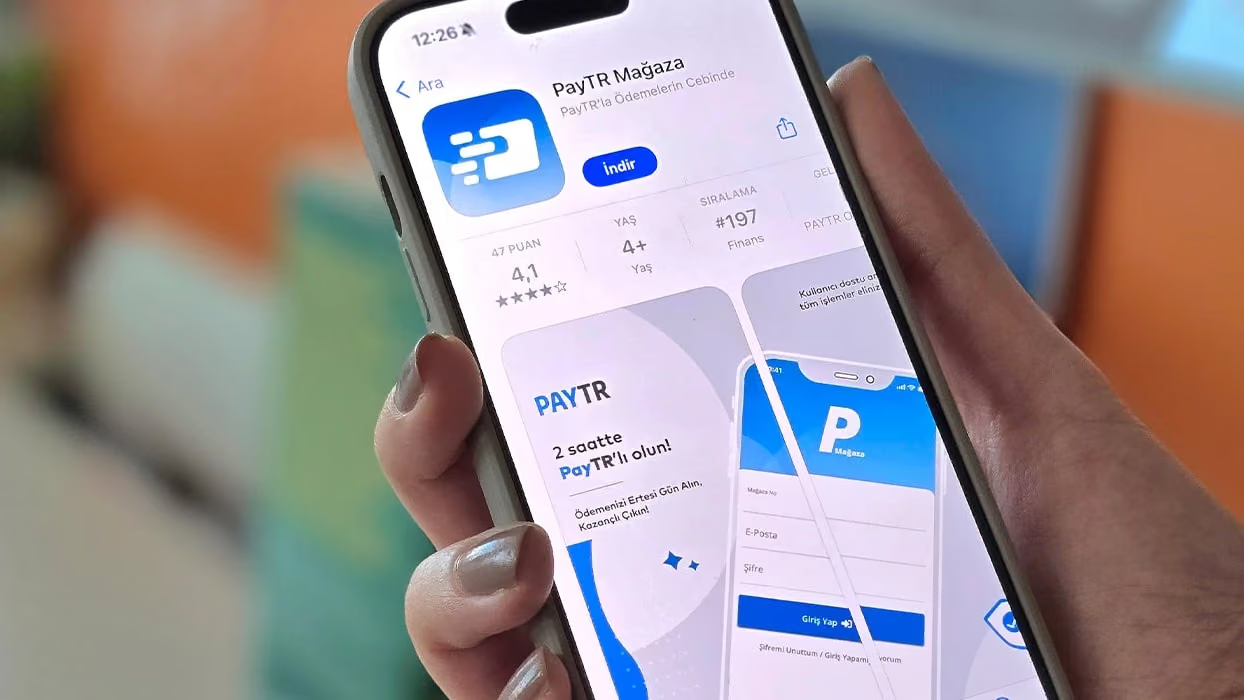
How do you integrate PayTR with WooCommerce, and what should you watch for?
Installing PayTR's WooCommerce plugin takes minutes. When a paid order is not confirmed, the cause is almost always the notification URL.
· 5 min read