How do you photograph products on a white background, and how do you handle reflections on metal?
A white background shot is all about light. Backdrop cleanliness, light colour, reflections on shiny surfaces and Google Merchant Center's image rules.

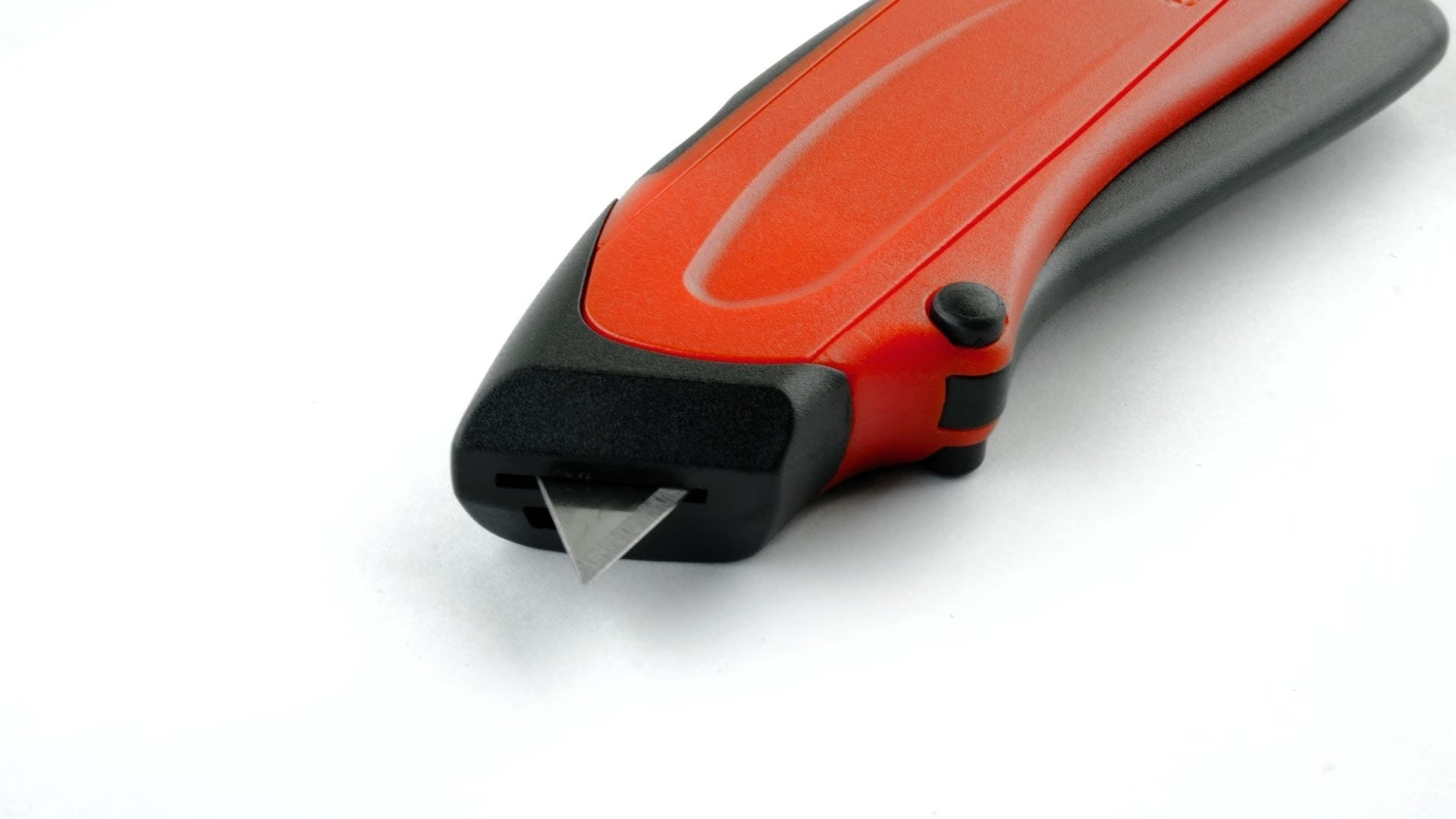
A white background product photo is a lighting job from start to finish. Whether the backdrop is white paper or fabric, what makes it come out white is how much light it receives. Every product has its own shape, colour and surface, and each needs its own light setup. Metal is harder still, because the surface mirrors its surroundings. So one lighting setup cannot serve every product, and each one needs its own.
What matters in a white background shoot?
The backdrop has to be clean. A dirty cloth shows up in the photo as stains and shadows. It can be cleaned later in Photoshop, but that means extra time on every single photo. If you shoot many products, starting with a clean backdrop shortens retouching a lot.
The colour of the light matters too. A yellowish light turns a white backdrop cream and changes the true colour of the product. A product shot in white light looks as it is. The choice depends on the product. Some look better in warm light, but colour accuracy usually comes first in a catalogue.
Whether a product shows glare depends on where the light sits and how hard it is. A small, hard source leaves a bright spot. A large, soft source gives a gentler reflection across the surface. This has to be adjusted again for every product.
How do you handle reflections on metal and shiny products?
A shiny surface behaves like a mirror. A knife, a bearing or a steel part shows the room, the light and the camera. You manage the reflection rather than remove it. You build the light for the surface of the product, not for the product itself. Large, soft sources leave a clean line along the edges of the metal and bring out its shape. If the reflection disappears completely, the product looks flat and lifeless. The aim is to show the product the way it really looks, no shinier and no duller than it is.
Light box or studio?
For small, flat products a light box (a photo box) does the job. It diffuses the light and gives a white interior. On shiny products, though, the interior surface itself reflects in the product and can leave unwanted marks.
A studio is more flexible. The direction, hardness and distance of the light can all be set freely. Rigs that rotate the product are meant for video. In short videos where the product has to be seen from every angle, a turntable is used. A flat product photo does not need one.
Whichever way you go, work with a trained photographer who understands light. With the same equipment, results vary a great deal with the knowledge of the person setting up the light.
Does Google Merchant Center require a white background?
No. Google's image rules do not require a specific background colour. They ask for an unobstructed, clean view of the product. The product should fill at least 75 percent and at most 90 percent of the image. Text added afterwards, such as price or shipping information, watermarks, barcodes, QR codes and store logos, is not accepted. A logo that is physically on the product is fine.
On the same page, an image must stay under 16 MB and 64 megapixels. The recommended size is around 1500 x 1500 pixels or larger. You can send up to 10 additional images per product, and they must follow the same rules. Additional images may show the product from other angles or in use.
So a white background is not a Google requirement, but a clean, plain one is the easiest way to meet these rules. Marketplaces have their own rules, which can differ from Google's. Check the seller documentation of the marketplace you plan to sell on. We cover how images work in Merchant Center in How do I get my products to stand out on Google?
Should you shoot it yourself or hire someone?
For a few small, flat, matte products, a clean backdrop and window light can give you good results. For metal, glass or many products, a trained photographer saves both time and retouching cost. We do product photography in the studio on white and dark backgrounds. We cover the limits of phone shooting in Can you shoot product photos with a phone?