Should you build your website on WordPress or Next.js?
WordPress suits a site that staff update from an admin panel. Next.js suits speed and full design control. How to choose between them, and what each costs you.

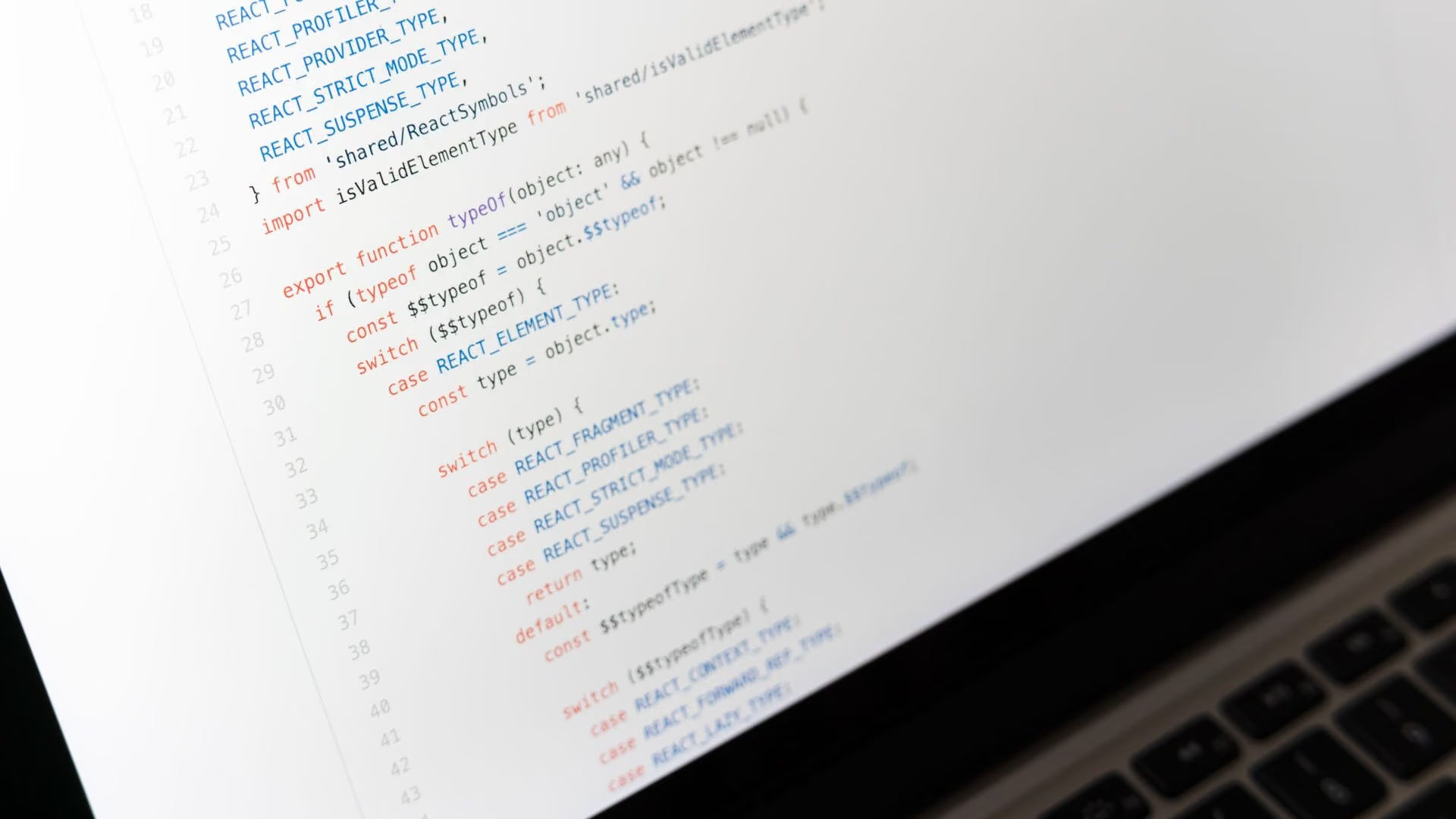
It depends. If a member of staff will enter the content, posts and products through an admin panel and you have no developer, WordPress is the easier fit. If you want a fast site served as ready-made HTML, a modern interface and control over every pixel, Next.js is the better fit. They are not two routes to the same place. They serve different needs.
Who is WordPress better for?
Anyone who will manage the site without writing code. Adding a page, publishing a post or entering a product happens in the panel, without calling anyone. WordPress is free software under the GPLv2 license, so you pay nothing for the software itself. Plugins already exist for forms, bookings and memberships, so you do not have to commission them from scratch. We set up the panel and plugins around your work in WordPress website development projects.
There is a cost. WordPress itself, your theme and every plugin have to be updated separately. WordPress.org lists its recommended hosting requirements as PHP 8.3 or later, MariaDB 10.11 or MySQL 8.0 or later, and HTTPS. PHP versions get two years of active support and two more of security fixes only, and then support ends. If you set a site up and forget it, the PHP version eventually falls out of support, and when you are forced to upgrade, old plugins can cause trouble. How piling up plugins slows a site down is covered in why is my WordPress site slow.
Who is Next.js better for?
People who do not want to squeeze the design into a template and who want speed from the start. Next.js is a React framework. When you run next build it can generate a separate HTML file for each page, and the documentation says this avoids loading unnecessary JavaScript. Those files can be served by any server that can serve HTML, CSS and JS. Because you draw the interface yourself, you never hit the limits of a theme.
In return there is no ready-made admin panel. You either keep the content in files or connect a separate content management tool, and a developer sets that up. A new feature is not a plugin you install but code someone writes. So Next.js makes sense when you have a developer who will keep building the site. We build the pages, the design and the content panel in Next.js website development projects.
There is a middle route. WordPress's REST API exposes content as JSON, so you can use WordPress only as the content panel and draw the front end with Next.js. Two systems then stay alive, and each needs its own maintenance.
Which one is faster?
With Next.js, producing pages ahead of time is a natural part of how it is built. With WordPress you reach the same result by tuning caching and your plugin setup. Do not overstate it, though. Google says its ranking systems use Core Web Vitals, but also that there is no single page experience signal and that good scores do not guarantee a top position. A fast page with irrelevant content does not beat a slower page with strong content. Do not make speed the only reason for the choice. Look at whether visitors are waiting.
Do you have to use Vercel with Next.js?
No. The Next.js deployment documentation says you can run it as a Node.js server, as a Docker container or as static files. Vercel is one option among them, and one of the adapters the Next.js team verifies. Its convenience and its billing are a separate topic. You can run Next.js without depending on it. With a static export some features do not work, for example redirects and custom headers cannot be set by Next.js itself and have to be handled on the server.
Can you switch to the other one later?
You can, but it is a migration. If page addresses change, you need 301 redirects from the old addresses to the new ones, or your place on Google suffers. The logic is the same as when an ecommerce platform changes, and does changing your ecommerce platform hurt SEO walks through it. Choosing right on day one is cheap. Changing later is a project of its own.
We build both, and we can work out with you which one fits your business.